

스트리밍 미디어 플레이어
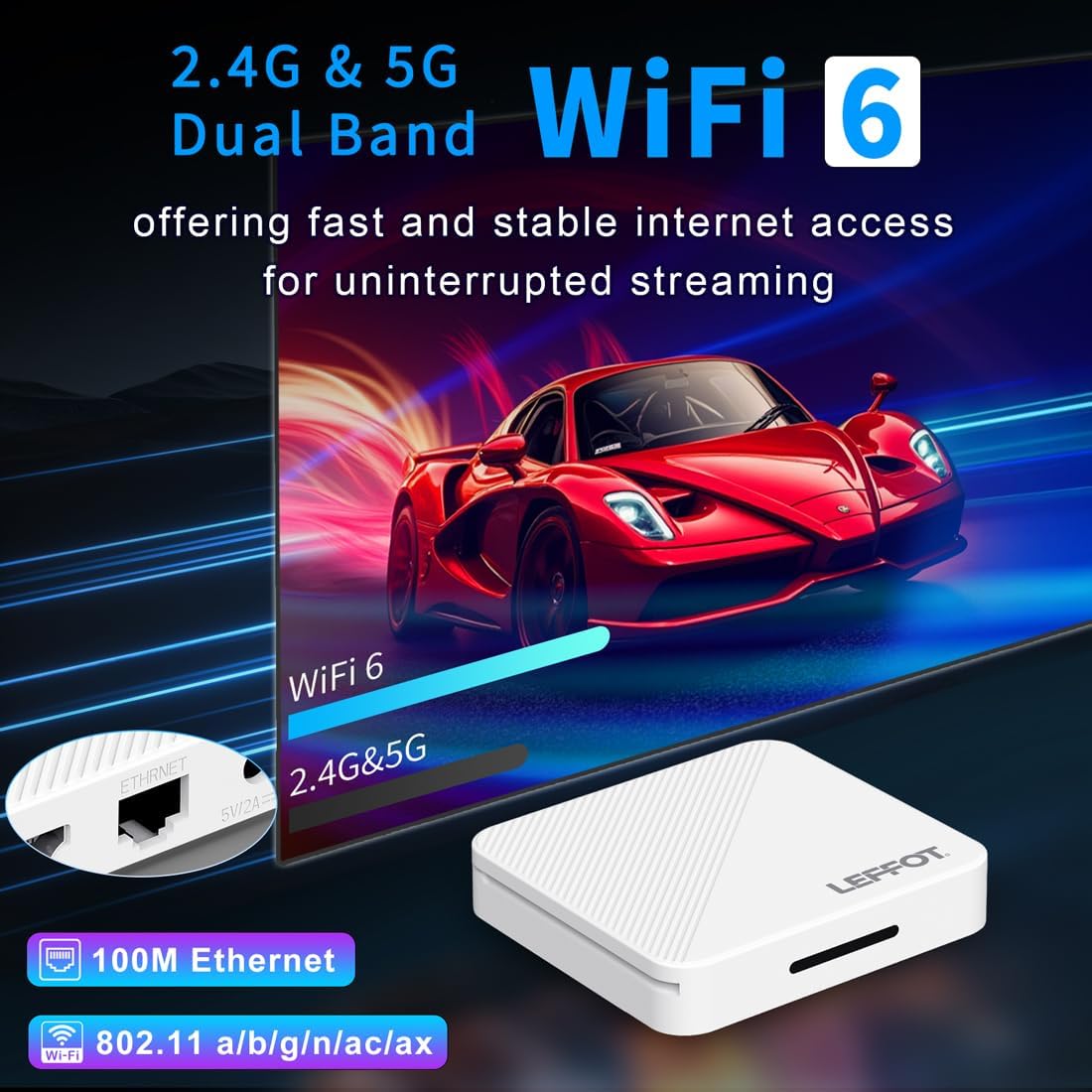
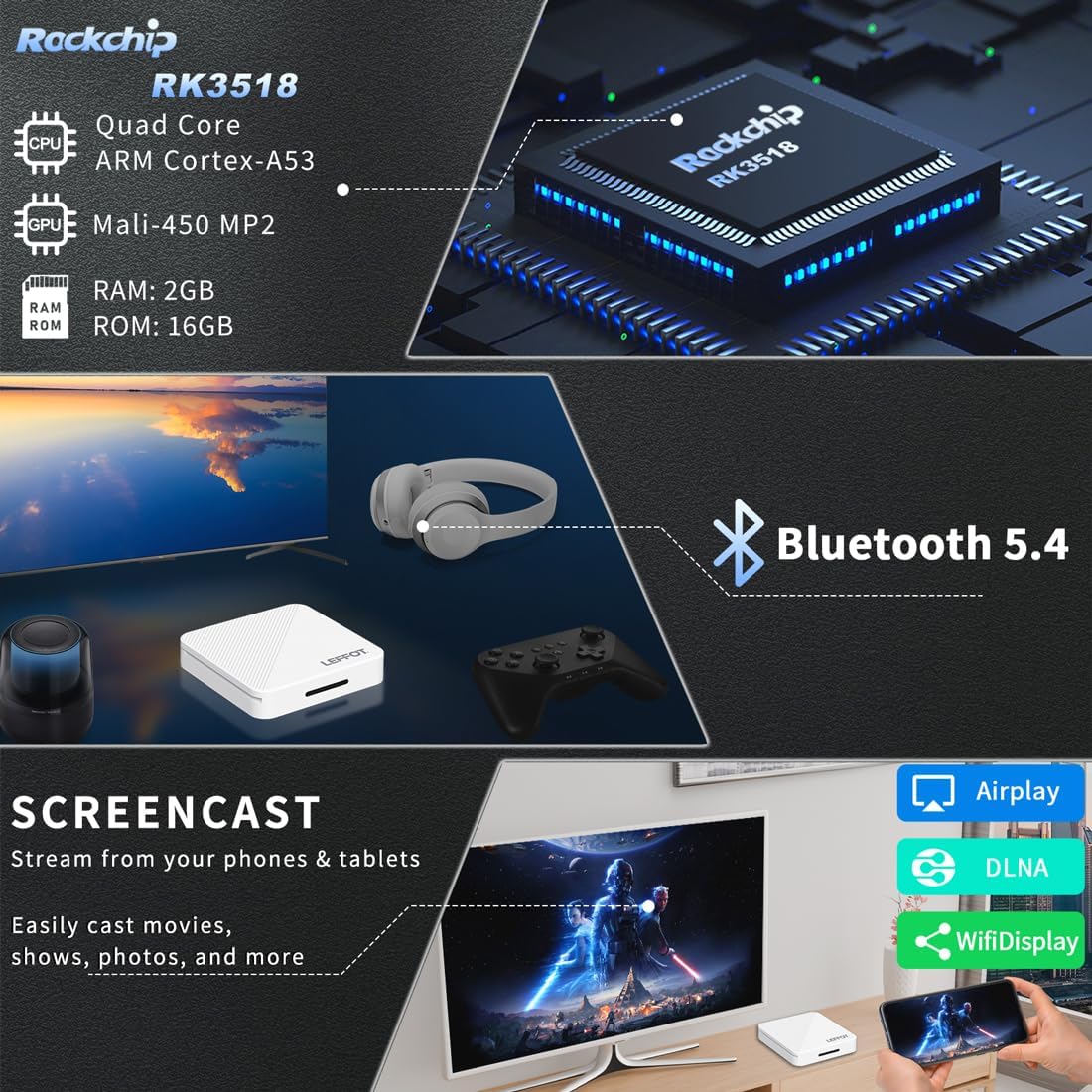
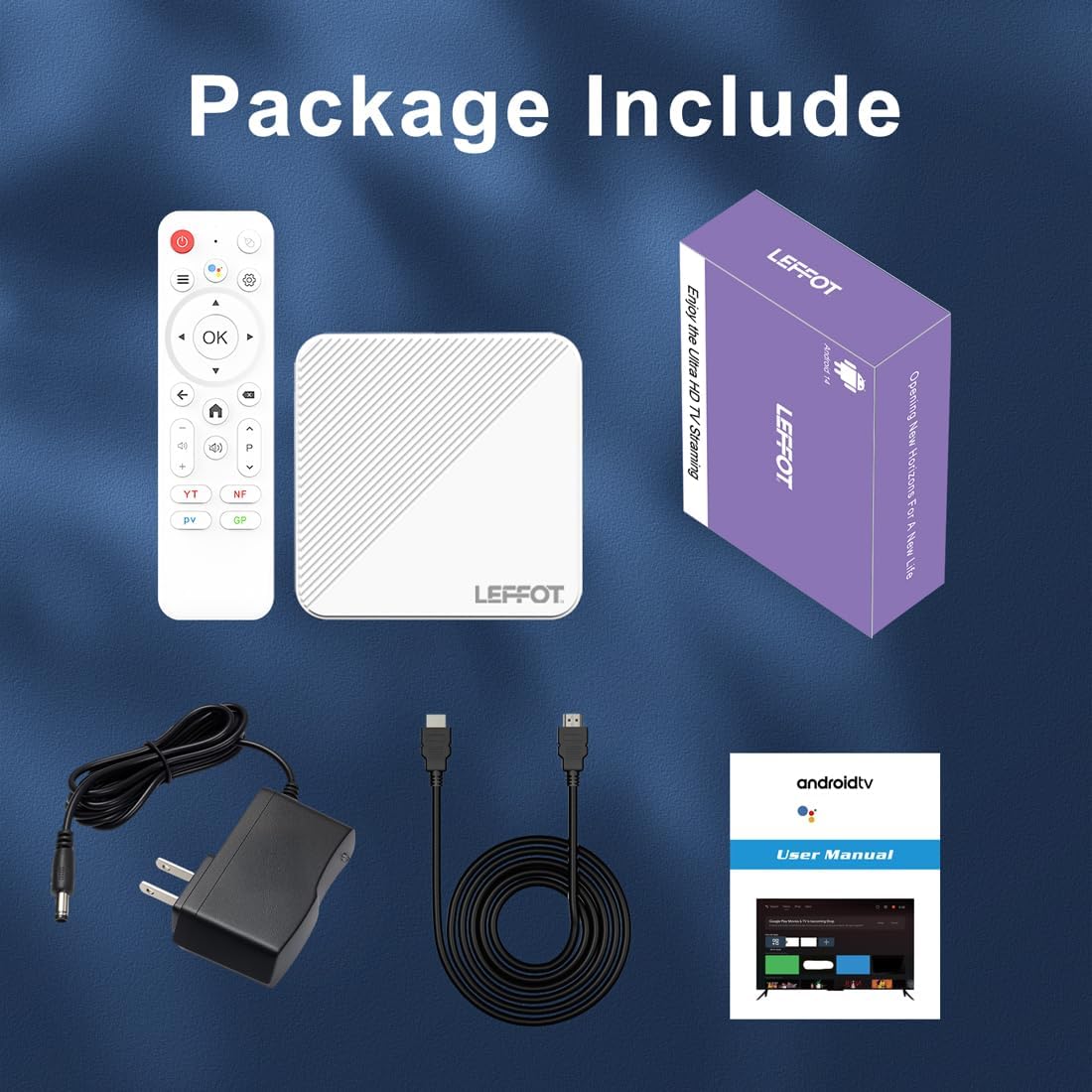
Android 14.0 TV Box 2025, LEFFOT H313 4K Ultra HD Streaming Device for TV with BT 5.4, 2GB RAM + 16GB ROM, Smart TV Box with Voice Remote, USB 3.0, HDR 10, 2.4G & 5G WiFi 6
3.80
지난 32시간 동안 판매됨 29
$ 29.29
$ 31.00
-5.84%
Work’s very well and easy set up
12 현재 누군가가 웹사이트를 탐색 중입니다.
수량:
-
+
예상 배송 시간: 12~26일(국제), 3~6일(미국)
구매일로부터 45일 이내에 반품이 가능합니다. 관세 및 세금은 환불되지 않습니다.
-
ASIN:
B0FX9SP9GY
-
BEST_SELLERS_RANK:
#6,859 in Electronics (See Top 100 in Electronics) #47 in Streaming Media Players
-
BRAND_NAME:
LEFFOT
-
COLOR_NAME:
white
-
CUSTOMER_REVIEWS:
3.8 3.8 out of 5 stars (39) 3.8 out of 5 stars
-
DATE_FIRST_AVAILABLE:
January 21, 2026
-
ITEM_MODEL_NUMBER:
2G_16G
-
ITEM_WEIGHT:
3.25 ounces
-
PRODUCT_DIMENSIONS:
3.54 x 3.54 x 0.7 inches
-
SPECIAL_FEATURES:
DLNA, Support Dual WiFi
안전한 결제를 보장하세요






제품 상세 정보
If you encounter any compatibility issues, app download problems, or any other difficulties, please let us know, and we will provide a solution as soon as possible.
For most common issues encountered during daily use, they can generally be resolved by first performing a factory reset, followed by a system update.
Factory Reset Path: Go to "Settings" → Scroll down and select "Device Preferences" → Select "About" → Select "Factory Reset" or "Reset".
System Update Path 1: Go to "Settings" → Scroll down and select "Device Preferences" → Select "About" → Select "System Update".
System Update Path 2: On the Home Screen, select "More APP" to enter the "More APP" interface → Find the "FOTA Update" APP, select this application to proceed with the system update.
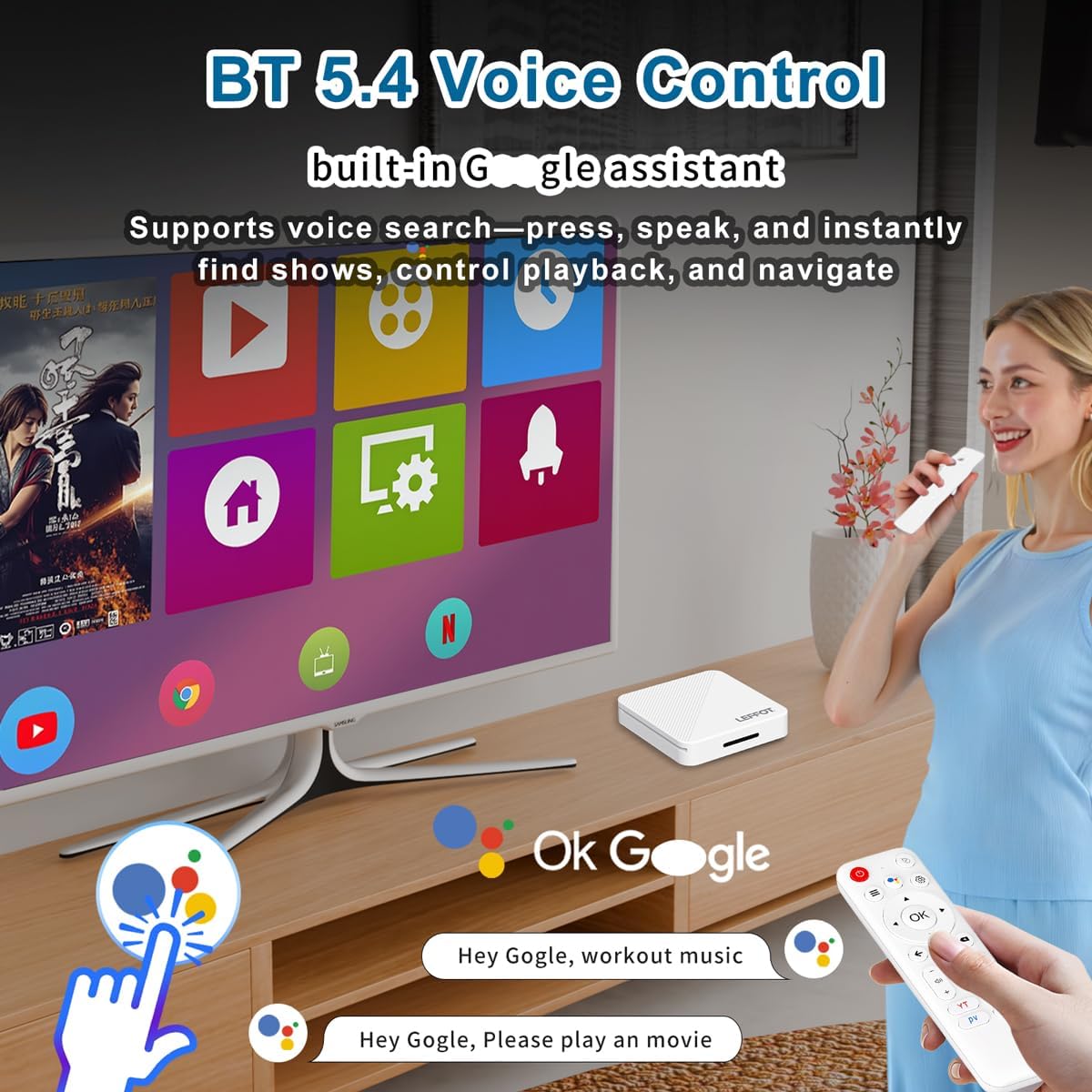
App Compatibility: Our TV box comes pre-installed with apps such as Google Play, Netflix, Prime Video, and YouTube. Please note: The manufacturers of these apps recommend using the pre-installed versions, as they have been adapted for the TV box's system. It is advised not to install or upgrade to other versions to avoid compatibility issues that may prevent the apps from functioning properly.
If upgrading these apps leads to compatibility issues or causes them to malfunction, performing a factory reset can restore the apps to normal operation.
If compatibility issues arise during normal use of the product, a system update can be performed to resolve them.
App Installation:
USB Installation Method: Download the APK format installation file (32-bit or universal version of the app, not a ZIP/RAR compressed package) to a USB drive. Please ensure to download the TV version (mobile versions may not be compatible with remote control operation). Format the USB drive to FAT32 or exFAT format (NTFS may not be recognized). Then, open the USB drive via "Media Center" or "File Manager", long-press the APK file, and select "Package Installer" to install.
고객 리뷰
3.80
(100 점수)
댓글 취소
댓글을 남겨주세요

배송 및 반품
우리가 당신을 보호하겠습니다
대부분 지역에서는 배송비를 한 번만 지불하시면 됩니다 (주문 및 배송 페이지를 확인해 주세요).
구매 후 14일 이내 무료 반품 가능 (단, 수명이 다한 제품, 맞춤 제작 상품, 마스크, 향수 및 에어로졸과 같이 위험하거나 인화성 물질이 포함된 일부 제품은 제외).
수입 관세 정보
복잡한 절차는 저희가 처리해 드리겠습니다. 카나리아 제도를 제외한 모든 EU 국가, 영국, 미국, 캐나다, 호주, 뉴질랜드, 푸에르토리코, 스위스, 싱가포르, 한국, 쿠웨이트, 멕시코, 카타르, 인도, 노르웨이, 사우디아라비아, 대만, 태국, UAE, 일본, 브라질, 맨섬, 산마리노, 콜롬비아, 칠레, 아르헨티나, 이집트, 레바논, 홍콩 특별행정구, 바레인, 터키로 배송되는 상품 가격에는 모든 수입 관세가 포함되어 있습니다. 표시된 가격이 최종 결제 금액입니다.
예상 배송 시간
특급 배송: 7-10일
해당 창고에서 배송되었습니다.
반품 정책
반품 정책
저희는 제품 품질에 자신 있습니다. 만약 구매하신 제품에 완전히 만족하지 못하신다면, 수령일로부터 30일 이내에 간편하게 반품하실 수 있도록 정책을 마련해 두었습니다.
간편한 교환 또는 환불
- 다른 사이즈, 색상 또는 스타일의 상품으로 교환하거나 전액 환불받을 수 있습니다.
- 반품되는 모든 상품은 착용하지 않은 상태여야 하며, 원래 포장 상태 그대로 모든 태그가 손상되지 않은 상태여야 합니다.
간단한 절차
- 온라인으로 반품을 신청하거나 고객 서비스 팀에 문의하여 도움을 받으실 수 있습니다.
- 물품을 제대로 포장해 주시고, 원래의 포장 목록도 함께 넣어주세요.
- 반품하실 상품을 보내주실 때에는 저희가 제공해 드린 선불 배송 라벨을 사용해 주시기 바랍니다.
- 환불 요청 접수 즉시 처리해 드리겠습니다.
반품과 관련하여 궁금한 점이나 우려 사항이 있으시면 언제든지 저희 전문 고객 서비스 팀에 문의해 주세요. 고객 만족은 저희의 최우선 목표입니다.